TradeStack Labs
TradeStack Labs
TradeStack Labs — A TheCoopDAO company
3
Trade Apps
30s
Voice to Doc
0
Keyboarding

TradeStack Labs — A TheCoopDAO company
Each app is built for a specific trade — with document templates that match how that trade actually works.
Invoice, Work Order, Job Report, Client Summary — built for heating and cooling technicians in the field.
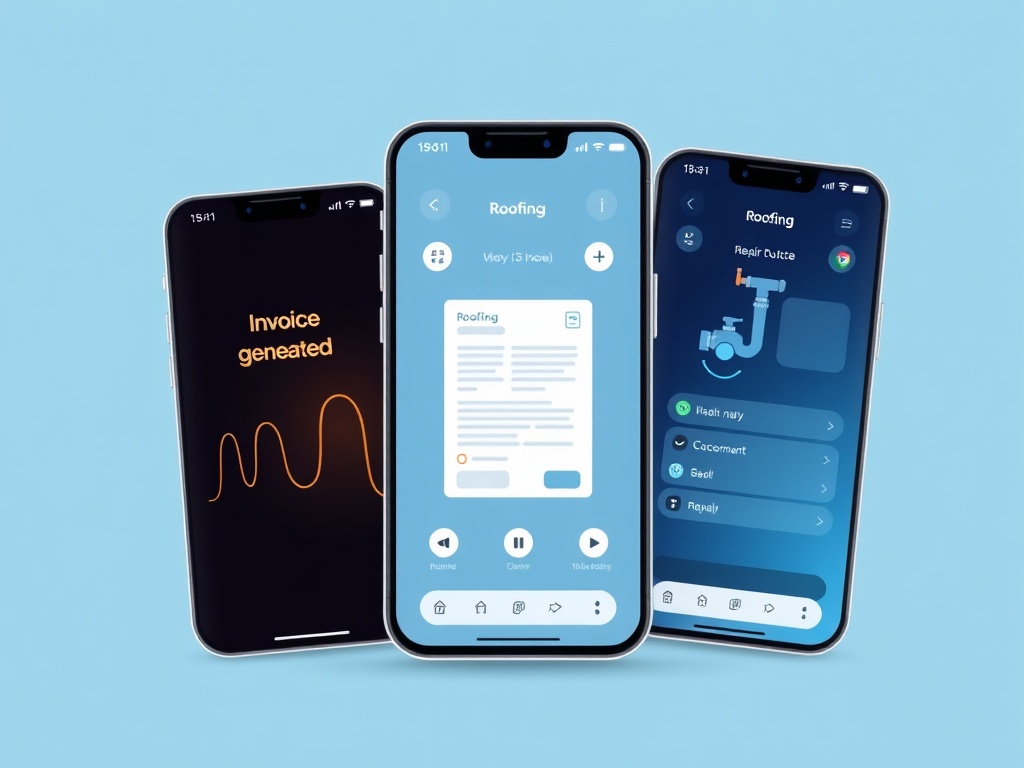
Damage Inspection, Material Estimate, Work Order, Warranty Letter — built for roofers on inspection and estimation jobs.
Service Invoice, Job Report, Repair Quote, Permit Checklist — built for plumbers doing service calls and repair estimates.
Press record and speak naturally about the job. Describe what you found, what you did, what you need. No scripts, no forms.
Select which documents you need — Invoice, Work Order, Job Report, and more. One voice note generates all of them.
Claude AI generates professional documents from your voice note. Copy the JSON, export to your system, done.
Trade workers didn't get into this industry to fill out forms. ForgeDocs handles the docs so you can handle the job.